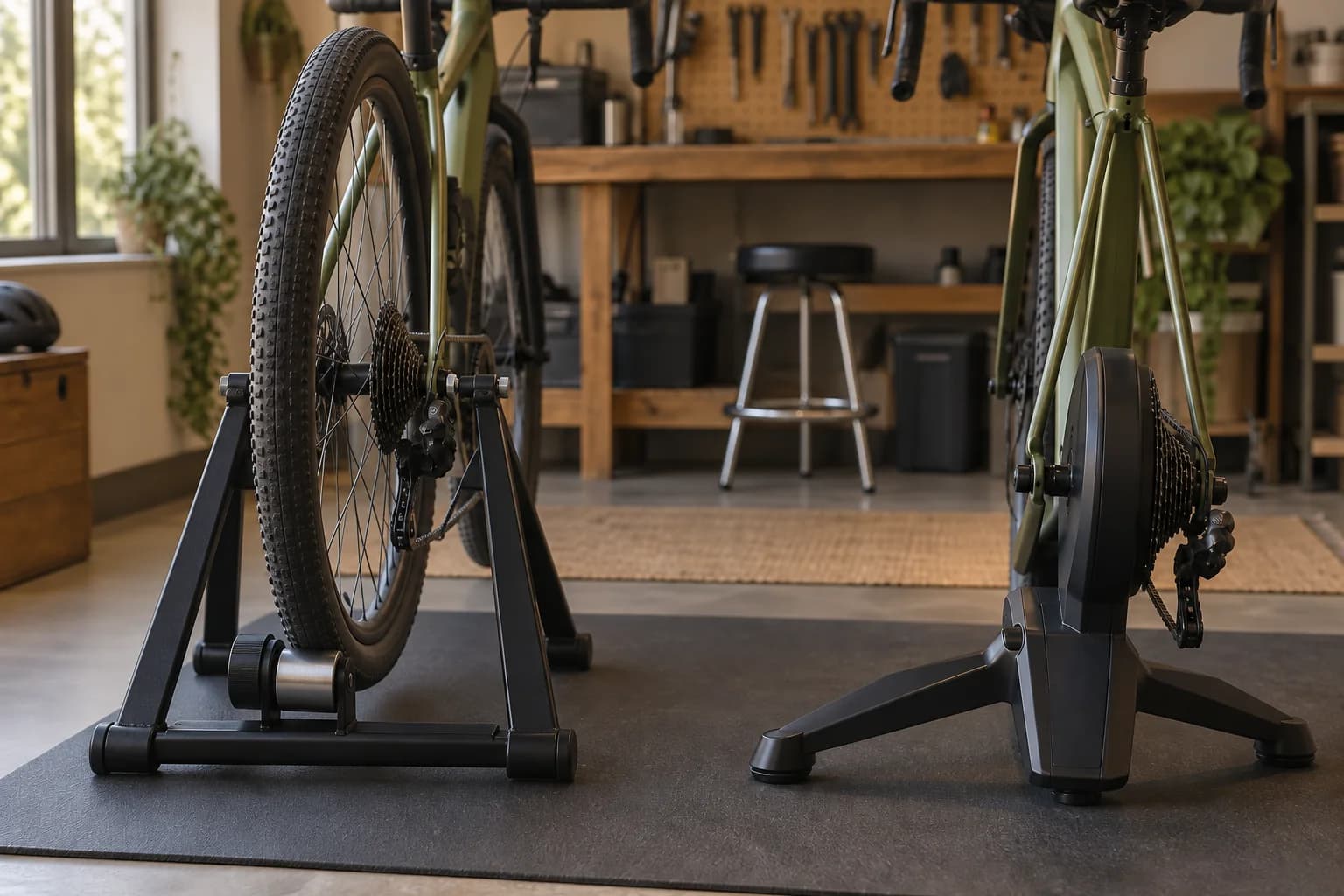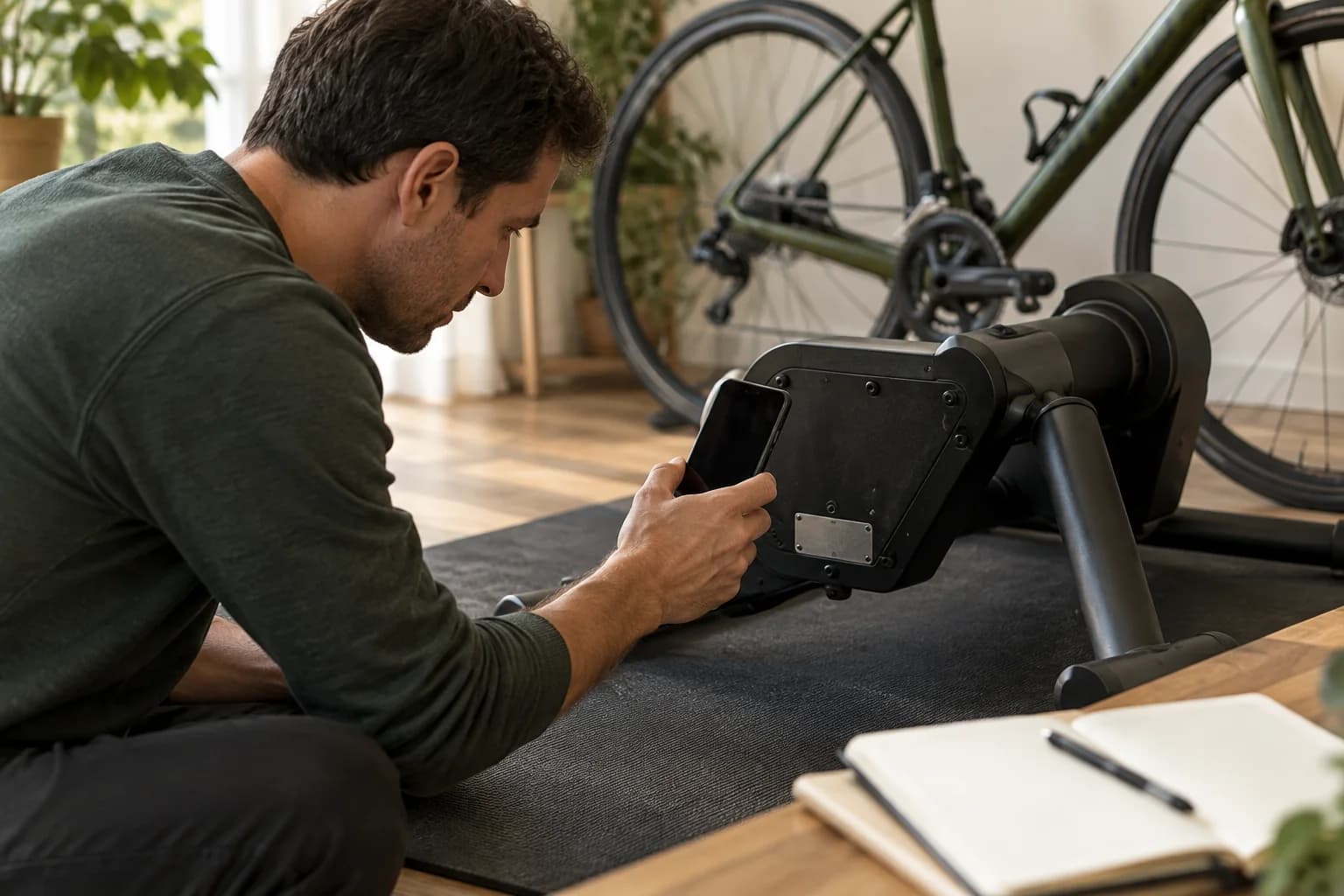
Start with a compatible bike and trainer, the correct mounting parts and a suitable riding space. For app-led rides, check device and connection support. Budget for the complete setup before adding optional upgrades.
Start with what you already own
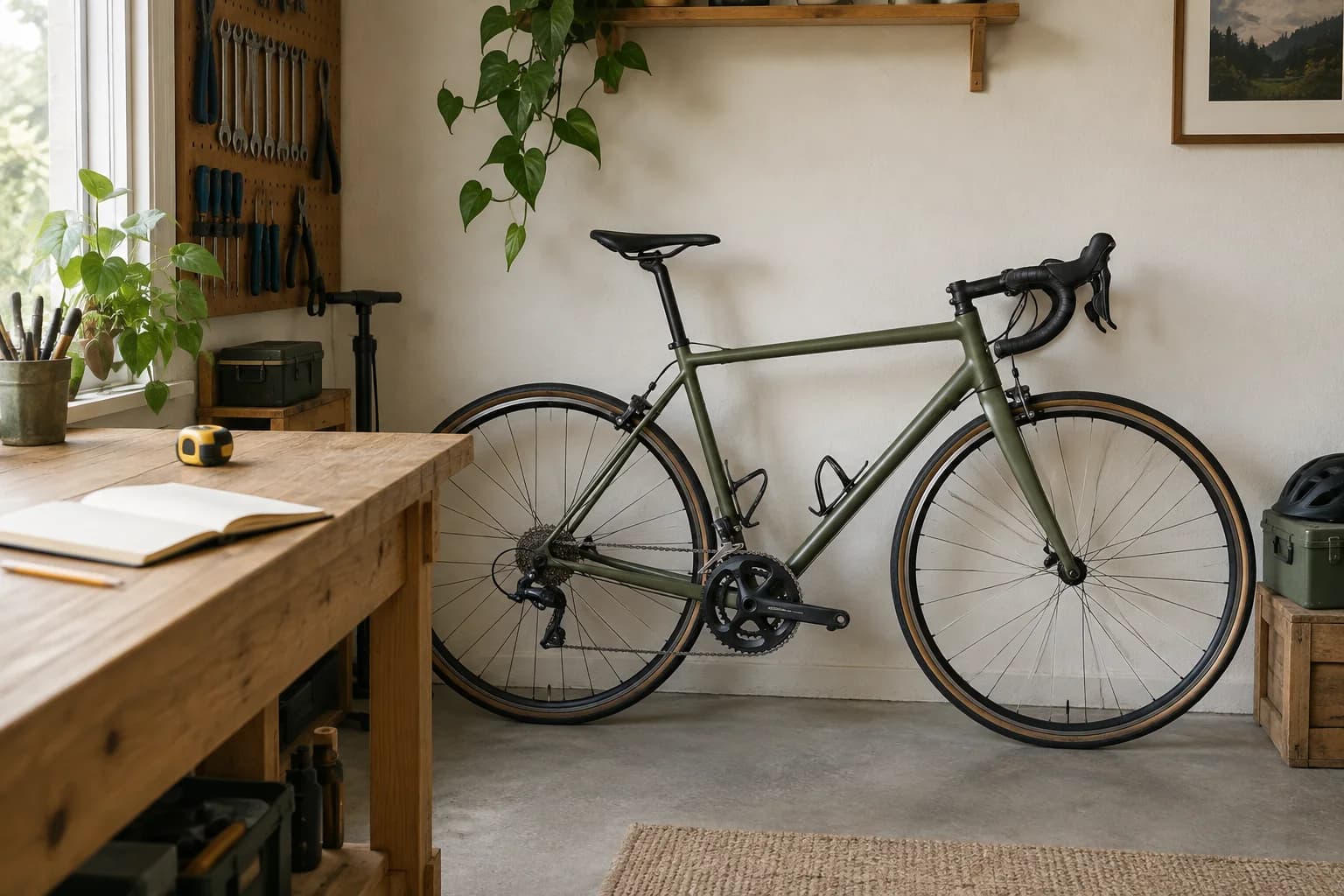
A first indoor cycling setup starts with a bike that fits the trainer, a place to ride, and a way to control resistance. If you want an app-led ride, add a supported device and a compatible connection. You may already own some of these things.
If you already have a bike, record its exact model and year before shopping. Note the rear axle type and the drivetrain: the gears, chain and related parts that turn your pedaling into movement. A bike shop can help identify unfamiliar parts. Avoid buying adapters based only on a photo that looks similar.
If you are starting without a bike, compare two complete options: a bicycle plus a trainer, and a dedicated indoor bike. A bicycle can also serve outdoor rides, while a dedicated setup stays assembled. Include the cost of both major pieces before deciding which route fits your plans.
- Required for the bike-plus-trainer route
- A compatible bike, trainer and the mounting parts specified for that combination.
- Required when the equipment calls for it
- Power, a compatible cassette or other drivetrain interface, and any specified adapters.
- Required for your chosen app
- A supported phone, tablet or computer and the connection method that your trainer and app share.
- Useful additions
- A fan, floor protection, towel and stable screen stand. Decide what you already own before ordering.
- Optional upgrades
- A dedicated training desk, larger display or extra sensors. Add these only when they solve a specific problem.
Choose your trainer type
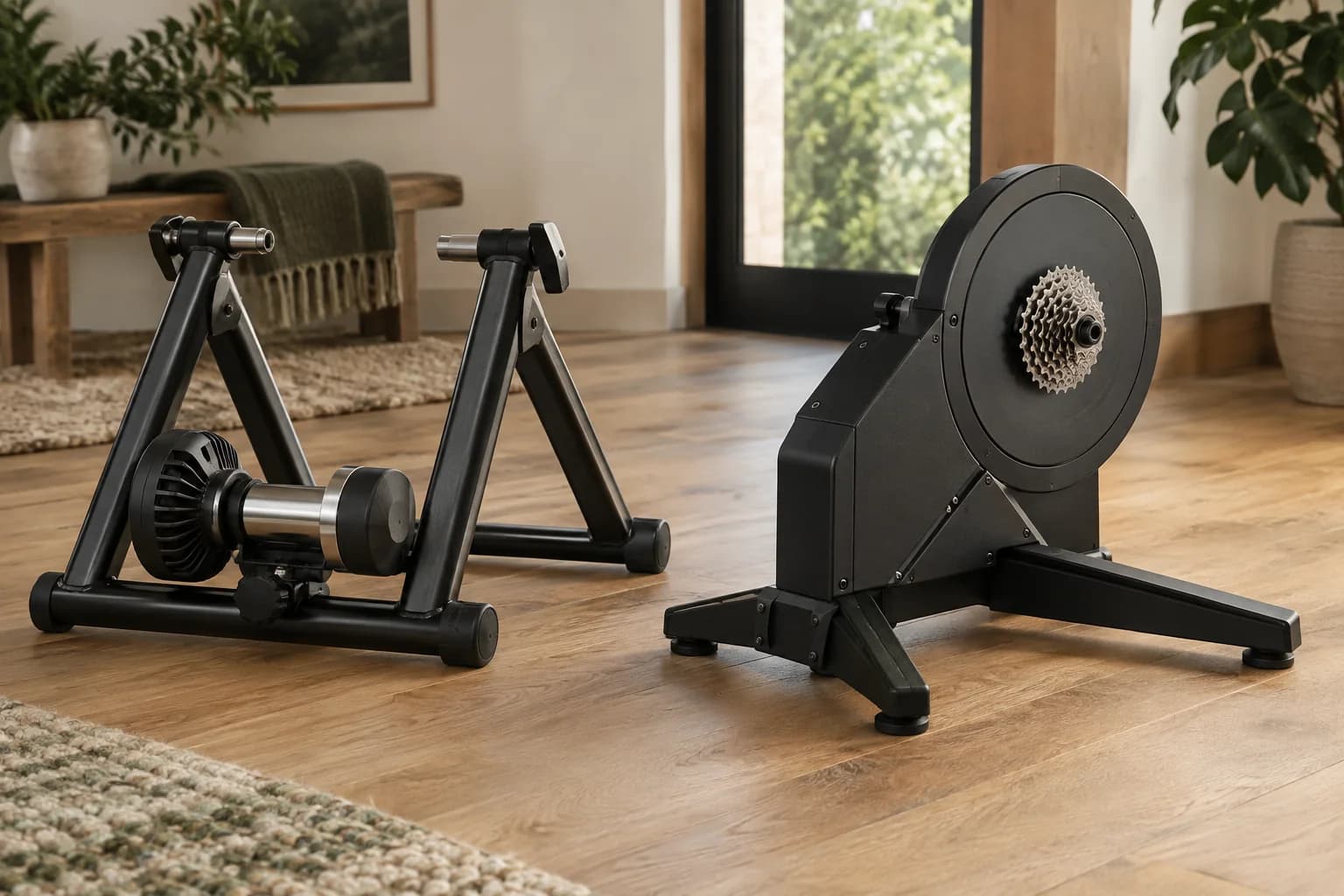
There are two separate decisions: how the bike attaches to the trainer, and how the trainer interacts with software. Do not treat “direct drive” and “smart” as interchangeable labels.
A wheel-on trainer retains the rear wheel and uses a roller against the tire. A direct-drive trainer takes the place of the rear wheel. Compare the effort of installing your bike, the parts required and the process of returning it to outdoor use.
For a smart setup, check two capabilities separately: sending ride data to an app and allowing the app to control resistance. Support for one does not establish support for the other. Check the exact trainer generation rather than relying on a brand name.
The cassette is the group of rear sprockets that your chain runs over. A cassette supplied with a trainer is not automatically right for every bike. Wahoo publishes a drivetrain compatibility guide with model-specific conditions; use it to check the proposed combination rather than assuming the gear count alone settles the question.
Make room for the whole setup
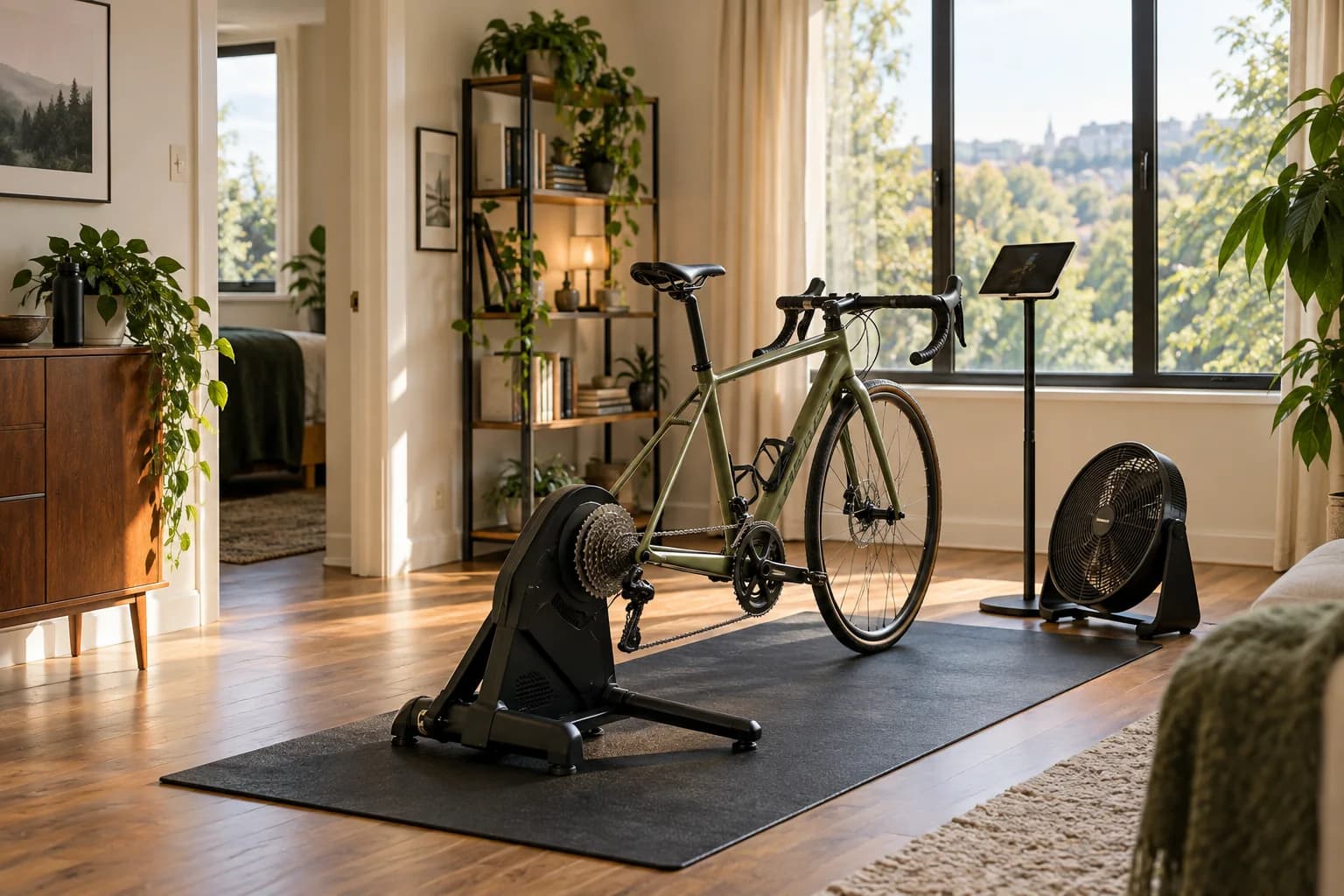
Plan for the bicycle and rider, not just the trainer’s footprint. You need room to mount and dismount, reach the controls and keep the setup clear of doors, furniture and walkways.
Use a tape measure before buying a mat or moving furniture. Record the available length and width in inches, then compare them with the assembled bike-and-trainer dimensions. Keep manufacturer mounting standards, such as axle sizes, in their original millimeters.
For a shared room, walk through the full routine: take the equipment out, position it, ride and put it away. Check where you will store the trainer, any removed rear wheel and the mat. A setup that fits only while blocking the doorway is not a practical layout.
Choose a stable place for the display and fan. Plan the cable path so it does not cross the area where you step on and off. Leave room to adjust the equipment before riding rather than reaching around a moving wheel or drivetrain.
- Measure the assembled setup
- Use the dimensions of the actual bike and trainer, not a generic minimum room size.
- Check access
- Allow room to get on and off, open nearby doors and move around the setup.
- Plan storage
- Decide where every item goes when the room returns to normal use.
Check the full cost before buying
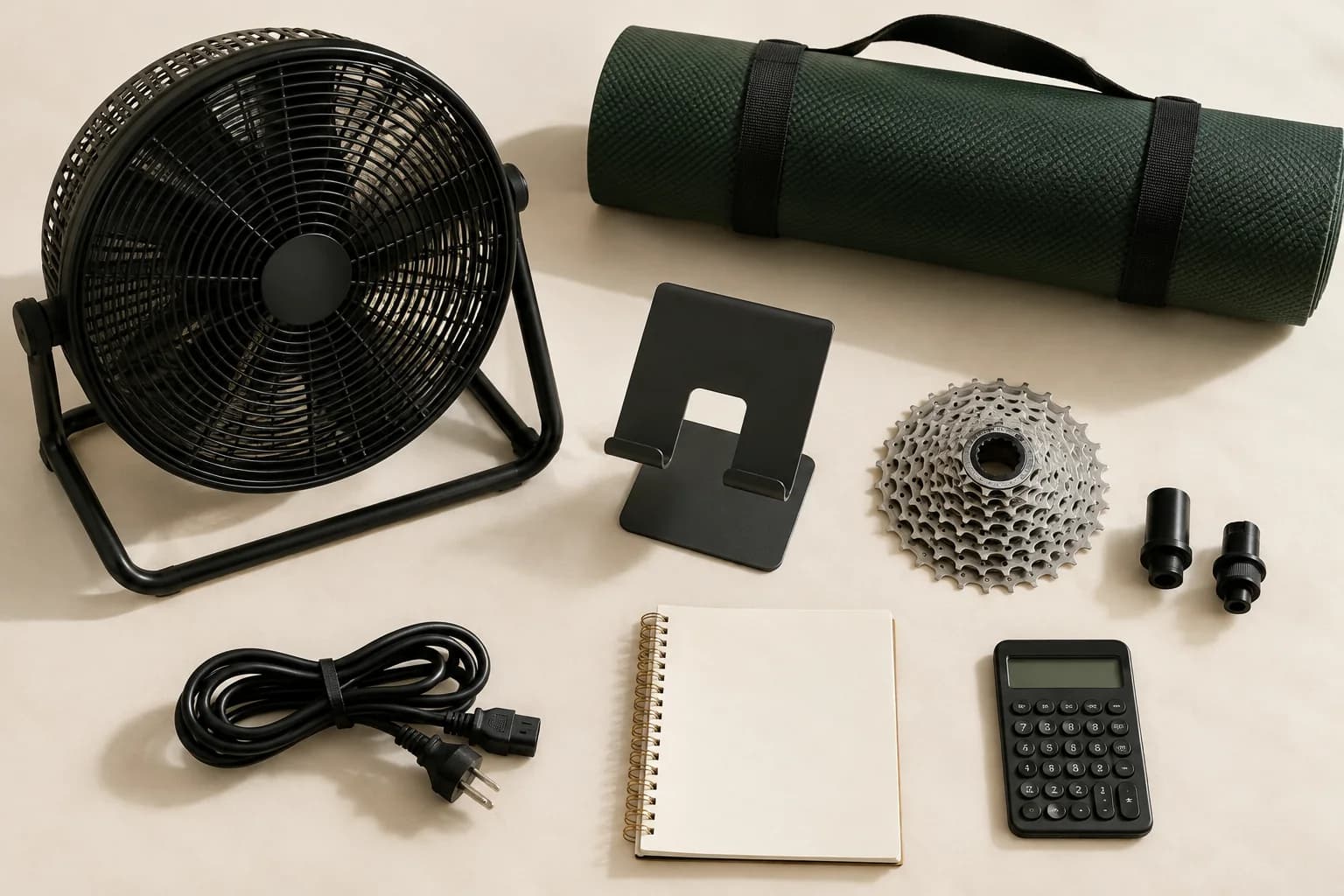
Compare the complete setup cost, not just the trainer price. Make two lists: what you pay to get started and what you pay to keep using the setup.
For the initial purchase, add the bike if needed, trainer, required adapters or drivetrain parts, delivery and applicable sales tax. Then add any display, stand, fan or floor protection you actually need to buy. Existing equipment can reduce that list.
As one dated example, Zwift’s pricing FAQ lists US membership at $19.99 per month or $199.99 per year, with applicable taxes depending on billing location. Those are subscription prices, not the cost of a complete cycling setup. Checked September 10, 2026; verify the current terms before subscribing.
Twelve monthly payments at that listed rate total $239.88 before applicable tax. The annual option costs less over a full year, but a monthly option may suit someone who rides indoors for only part of it. Compare the period you expect to use rather than treating an annual commitment as an automatic saving.
Leave a line in your budget for maintenance and consumables. Do not invent a fixed allowance: what needs replacing will depend on the equipment and use. For used gear, confirm the exact generation and which parts the seller actually includes.
- One-time total
- Bike if needed + trainer + required parts + accessories you lack + shipping + applicable tax.
- Recurring total
- Chosen app subscription and other ongoing costs relevant to your setup.
- Before checkout
- Confirm the seller’s package contents, return terms and US warranty coverage.
Set up, then check again
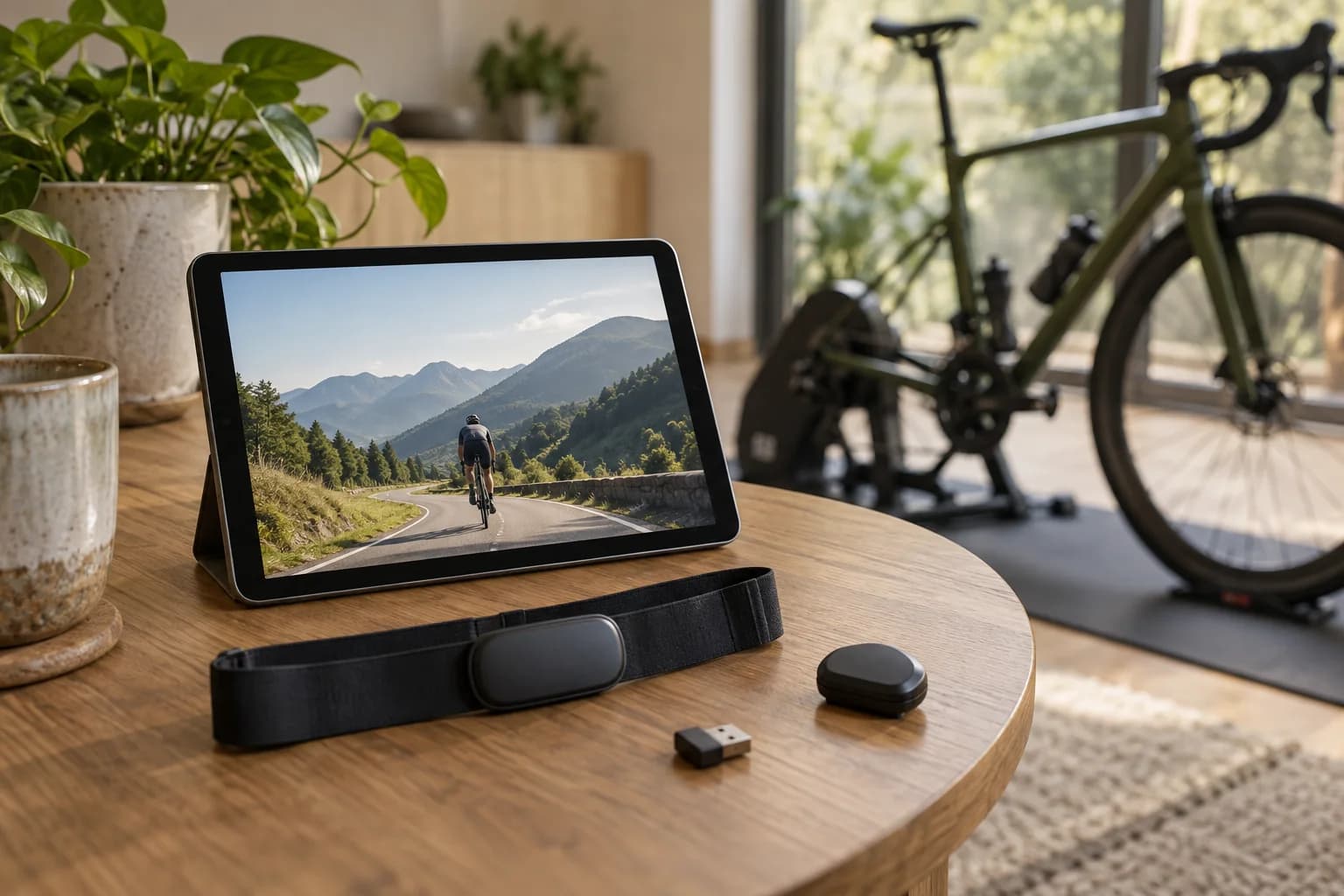
Treat the first session as a setup check. Follow the instructions for the exact bike and trainer, then confirm that the equipment and app behave as expected.
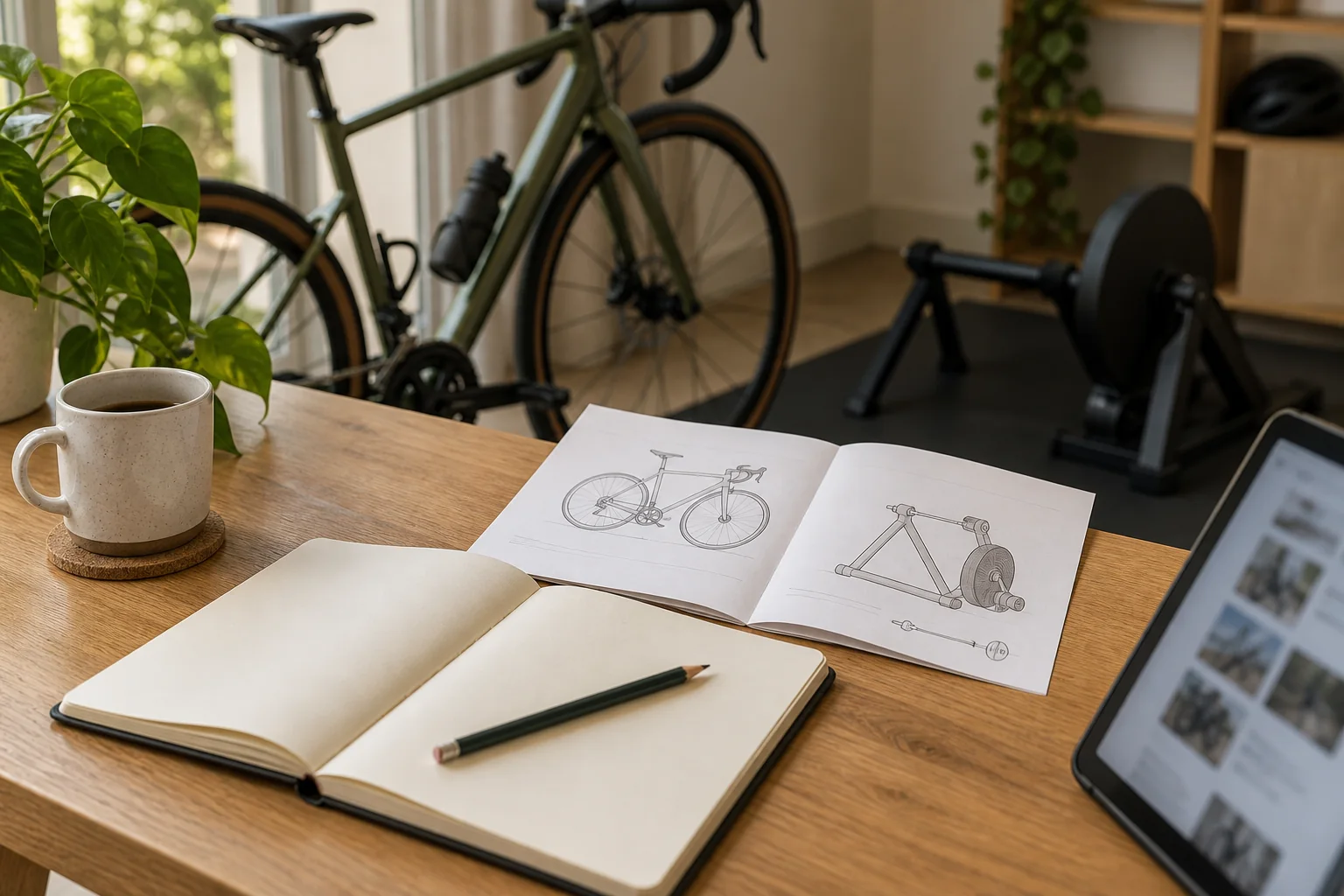
For example, Wahoo’s CORE 2 instructions cover assembly, axle adapters, bike mounting, power, app pairing and firmware updates. The guide also identifies the supplied parts. Use the applicable manufacturer instructions for these steps; the illustrative photos in this article are not an assembly manual.
Before choosing an app device, check its current supported-device list. A spare tablet may be useful, but age, operating system and hardware requirements can affect whether it is supported. Confirm support before buying a new screen or committing to a subscription.
Once the setup is secure, check that the app receives the expected ride data. If your combination supports automatic resistance, confirm that control separately. Keep the equipment names and any error messages handy if you need help from support.
Write down anything missing or inconvenient after the first setup. That becomes your next shopping list. The aim is a usable setup that suits your space and routine, with upgrades driven by an actual need.
- Physical setup
- Mounting and clearances checked against the exact manufacturer instructions.
- Software setup
- Supported device, required updates and intended connection confirmed.
- Ready to ride
- Controls reachable, access clear and equipment stable.
Check the original guidance
These are starting points for manufacturer documentation. Always check your exact model before buying.
Wahoo: KICKR CORE 2 setup and package contents ↗Wahoo: drivetrain compatibility ↗Zwift: supported devices ↗Zwift: US membership pricing ↗Turn the research into a checklist.