Choose wheel-on if keeping your rear wheel fitted matters most and you accept tire and roller checks. Consider direct drive if removing the rear wheel suits your routine and you want to avoid tire-to-roller contact. Neither label guarantees bike compatibility or app support.
The main difference is at the rear wheel
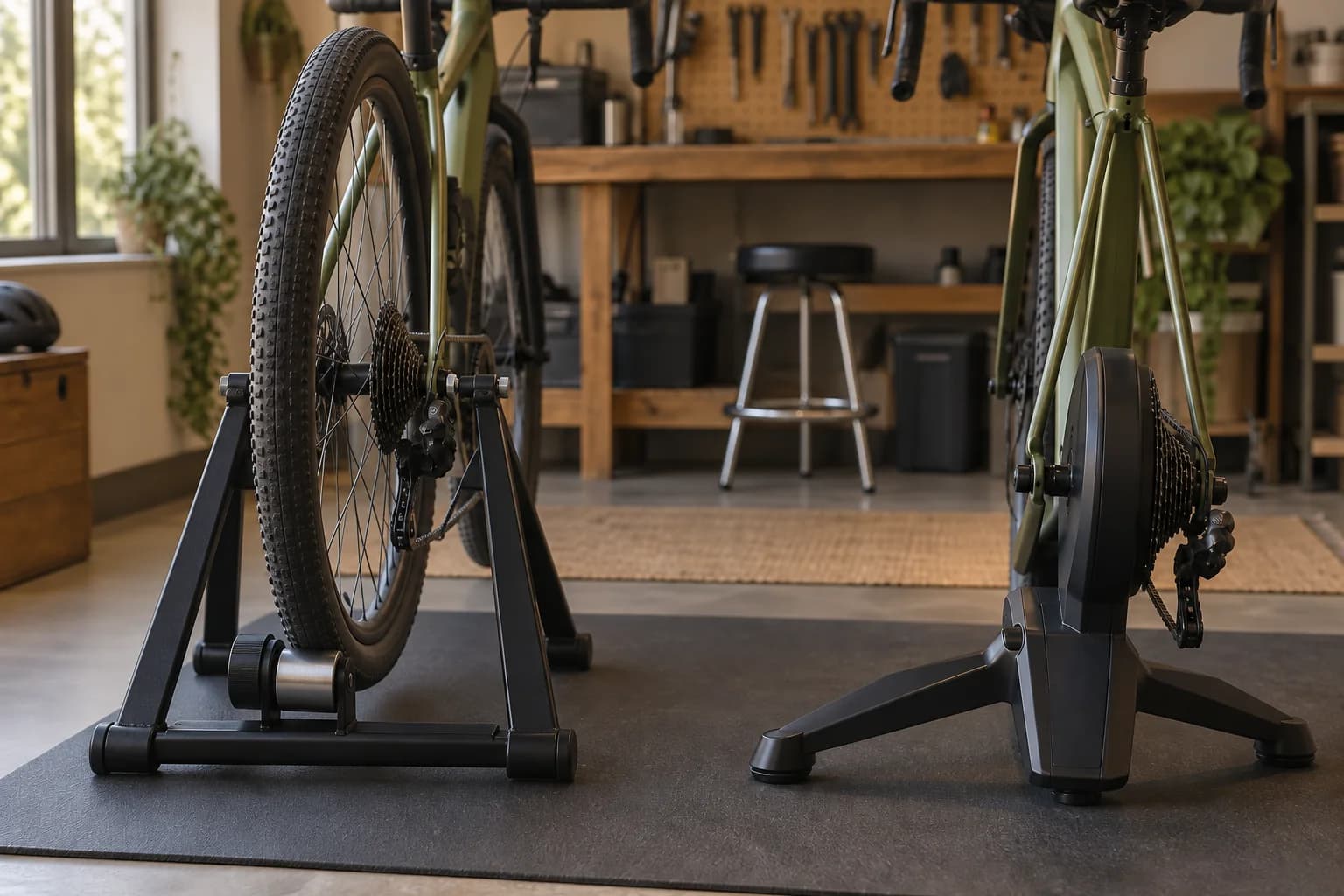
With a wheel-on trainer, the rear tire turns a roller. With direct drive, you remove the rear wheel and attach the bike to the trainer. This changes how you install the bike and which parts you need to check.
The useful first question is how you want to use the same bicycle indoors and outdoors. Wheel-on keeps the rear wheel in place; direct drive makes wheel removal part of the changeover. Neither is automatically the easier routine for every rider.
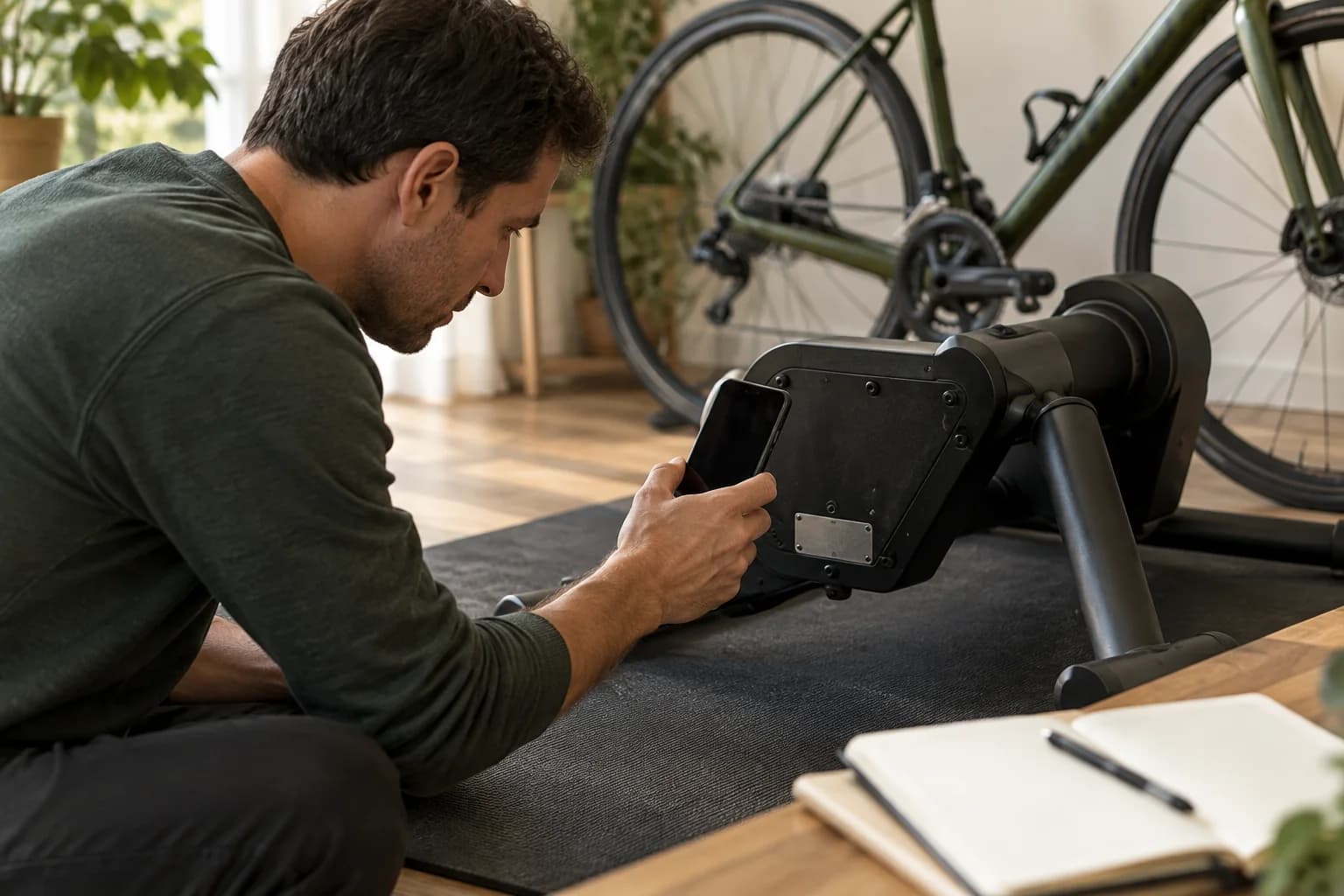
Keep the mechanical design separate from the electronics. Before choosing a smart trainer, ask whether your app can receive its ride data and whether it can control resistance. Those are separate capabilities. Check the exact model and generation rather than relying on the trainer category.
This is a research-based guide to choosing a trainer type. Our recommendations are decision aids, not results from hands-on noise, accuracy or ride-feel testing. Manufacturer examples explain specific requirements; they are not a ranked product shortlist.
- Wheel-on
- Keep the rear wheel fitted; check the tire, axle and roller setup.
- Direct drive
- Remove the rear wheel; check frame fit, mounting adapters and drivetrain compatibility.
- Either type
- Verify the exact model, intended app functions and complete purchase cost.
Wheel-on: check the tire and axle
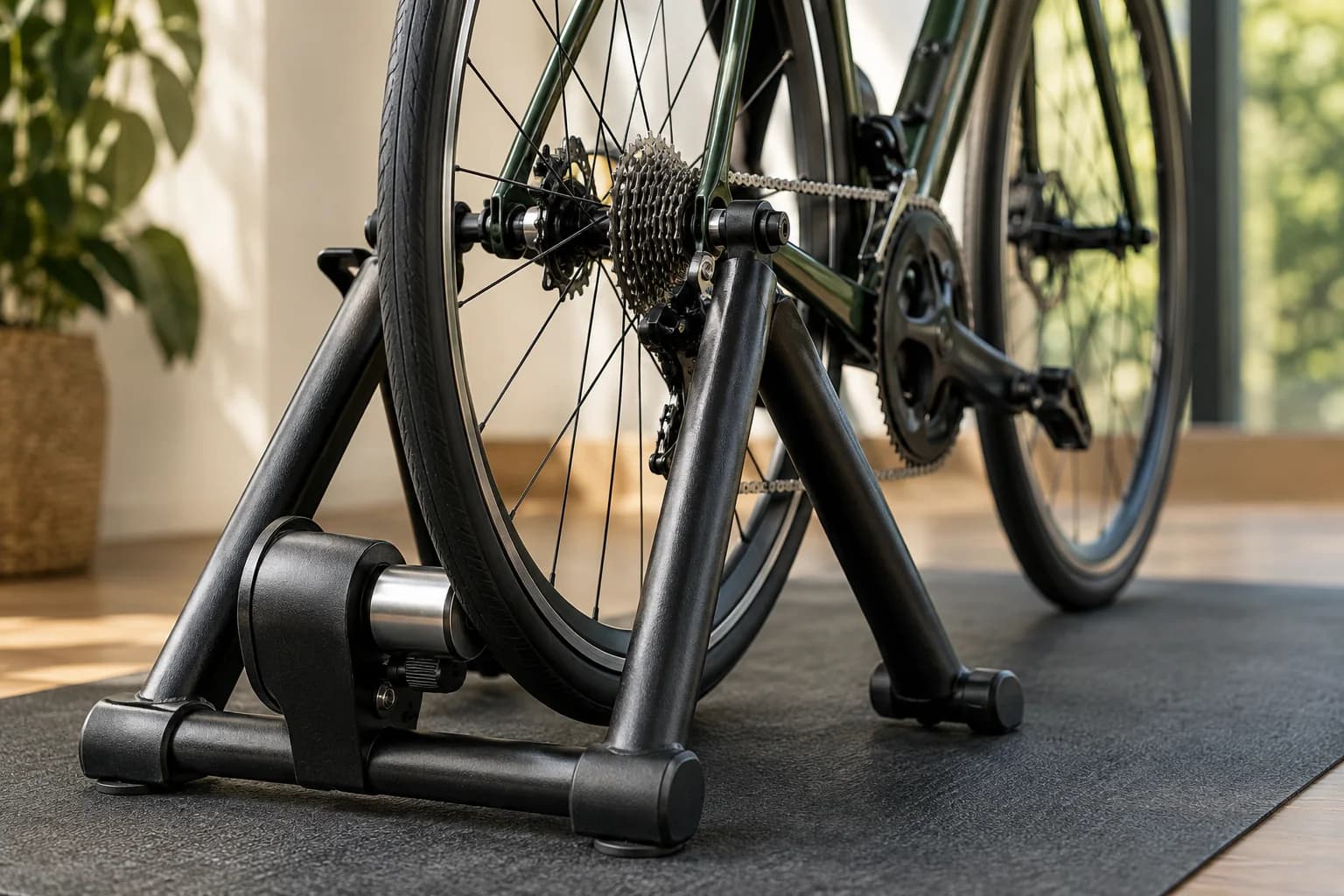
Check the supported wheel sizes, tire guidance and axle adapters for the exact trainer. Follow its instructions for roller pressure and any calibration procedure. Do not assume that all wheel-on trainers connect to apps or offer automatic resistance.
As a concrete example, Wahoo recommends checking SNAP tire pressure and completing a spindown after a ten-minute warmup before each ride. It specifies a slick tire and suggests a hard compound or trainer tire to reduce wear. These are SNAP instructions, not a universal procedure for every wheel-on trainer.
If your outdoor tire does not suit the trainer, keeping the wheel installed may not save as much effort as you expected. Ask whether you would change tires or use a separate compatible rear wheel. Price that option before comparing it with direct drive.
For occasional indoor rides, a compatible wheel-on setup you already own may be a sensible starting point. First confirm that it supports the experience you want. Adding a sensor should not be treated as a promise of app-controlled resistance.
Direct drive: check the drivetrain too
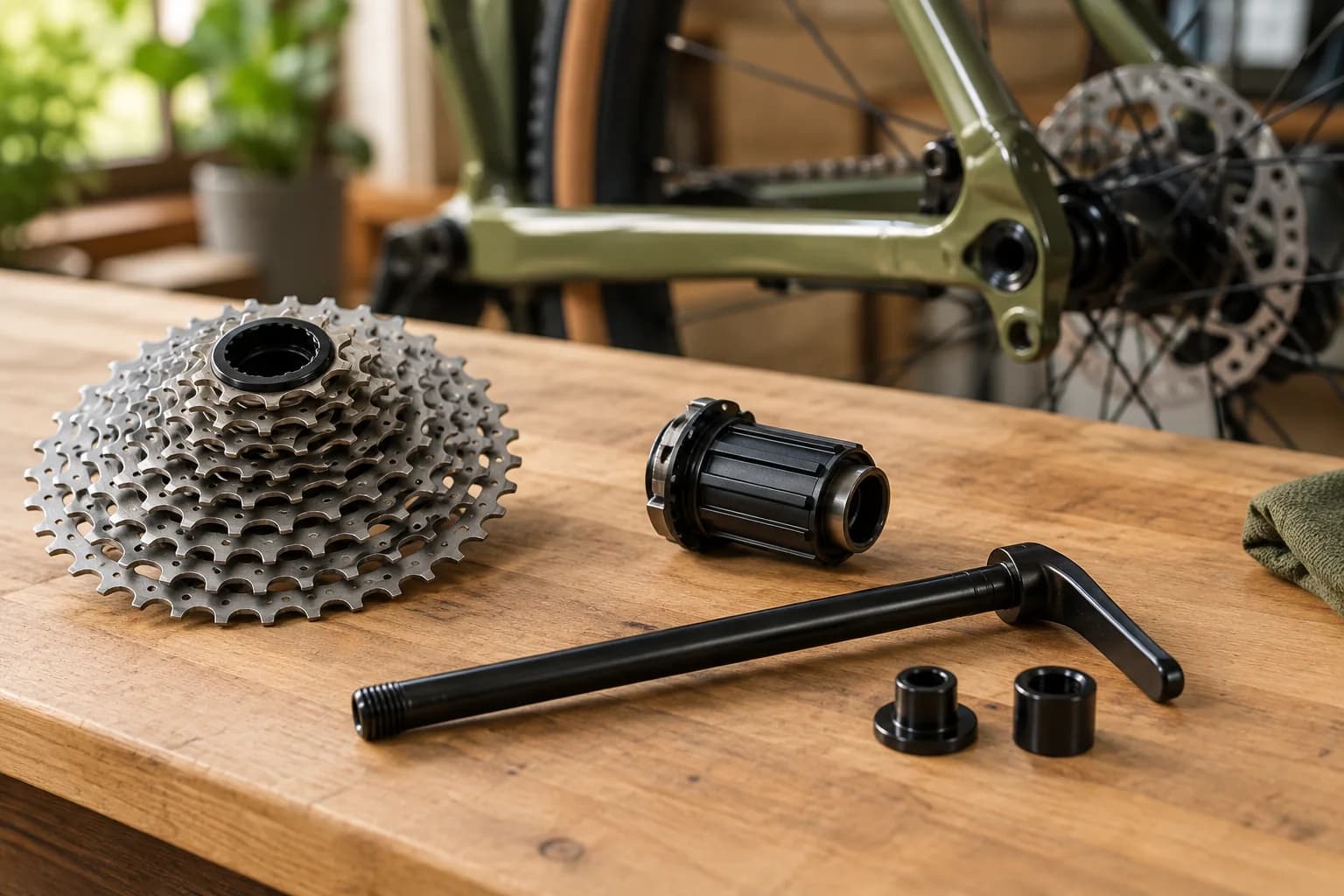
The rear axle is only part of the compatibility check. The freehub, cassette or other drivetrain interface must suit your bike and intended use. Read model-specific guidance, including exclusions and any required adapters.
The cassette is the group of rear sprockets; the freehub is the body it mounts onto. Wahoo checks cassette gear count, tooth range, drivetrain requirements and freehub fit. A supplied cassette is not proof that your bike is compatible, and matching the number of gears alone is not enough.
The CORE 2 setup guide shows separate mounting arrangements for quick-release and thru-axle bikes and lists supplied adapters. Use instructions for your exact trainer generation and package, then check frame compatibility separately.
If a package uses a single cog with virtual shifting, verify the intended app, trainer and controller combination before purchasing. Do not assume that a feature working in one app works in every other app.
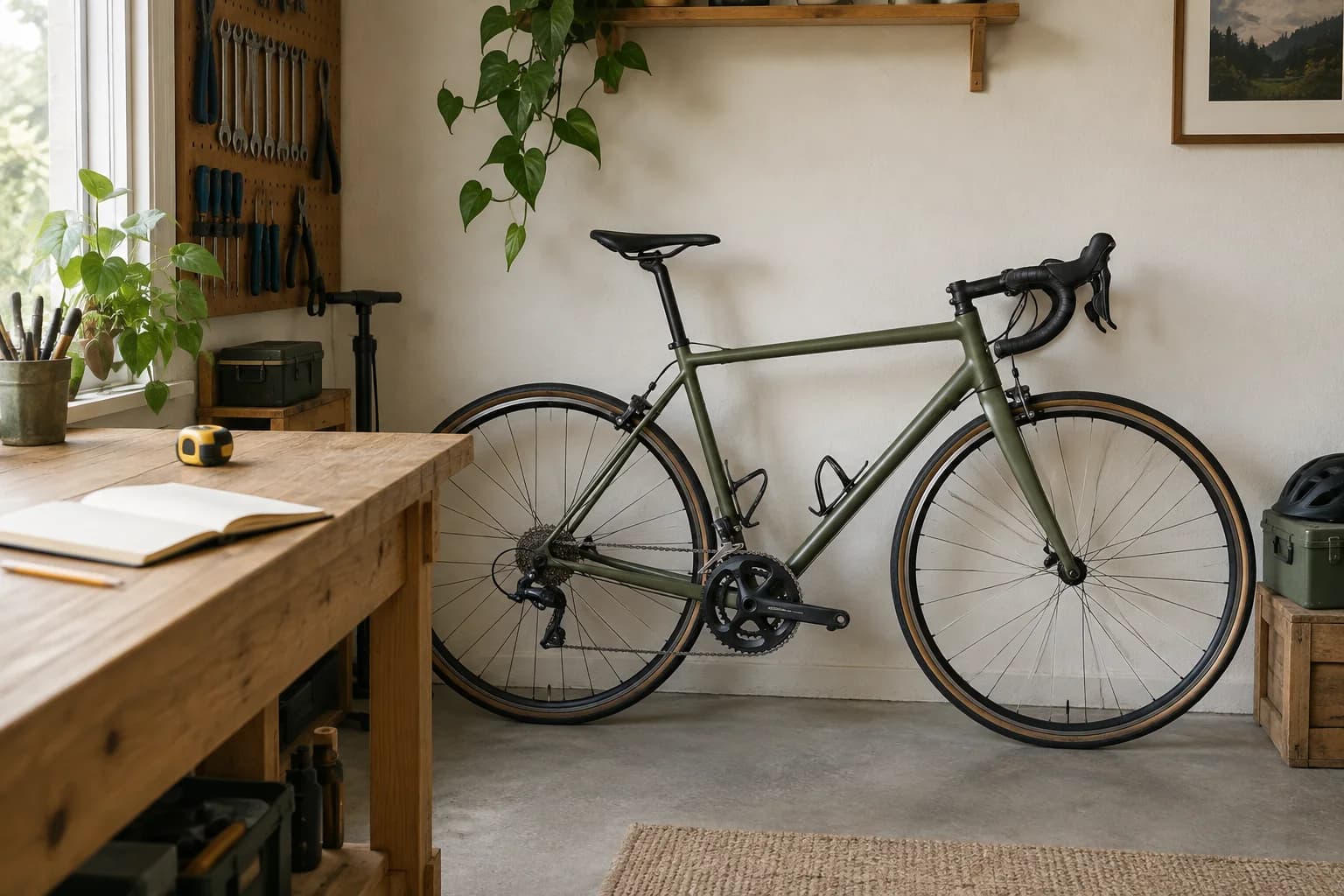
A dedicated indoor corner can make wheel removal less frequent because the bike can stay mounted. If this is also your outdoor bicycle, walk through taking it off the trainer and reinstalling the rear wheel before deciding whether that routine suits you.
Compare the whole ownership experience
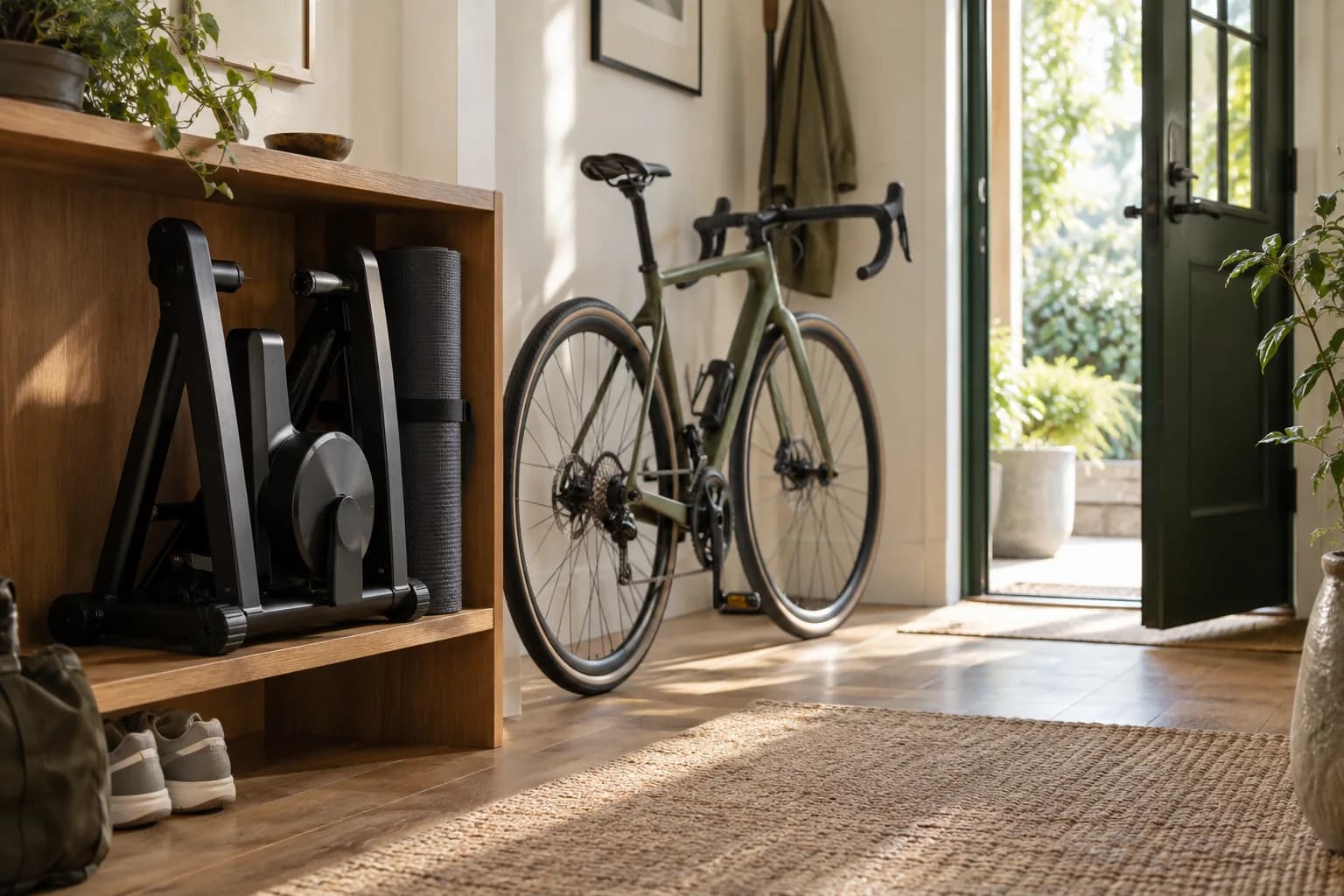
Compare the full routine and complete cost of two specific setups. The trainer category alone does not tell you which purchase is better value for your home.
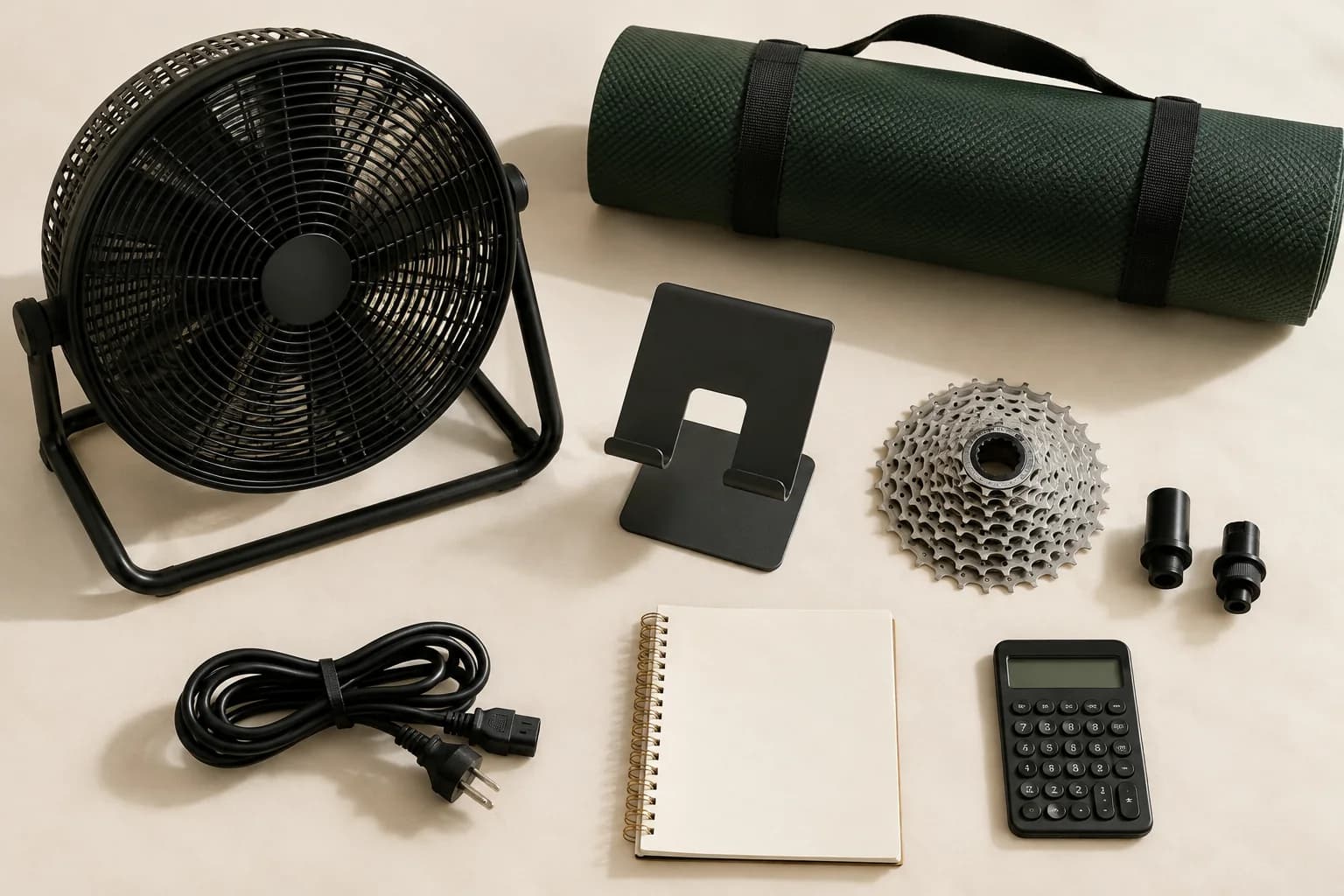
For a US purchase, write both totals in USD and include applicable sales tax and shipping. Add only items you actually need to buy. A low trainer price is less useful if required parts are missing; a bundle is less useful if its parts do not fit your bike.
For a shared room, check actual trainer weight, folded dimensions and carrying arrangements. Include storage for the bike, mat and any removed rear wheel. Our illustration shows the planning idea, not a storage specification for a particular product.
For noise, look for testing of the exact model under stated conditions. We have not measured these trainers and cannot give a decibel comparison or promise that one will be quiet in your apartment. A product label cannot establish what a neighbor will hear through your floor.
For accuracy, compare model-specific published specifications, calibration requirements and independent measurements. A manufacturer accuracy claim is not a result we have personally verified.
- Wheel-on shopping list
- Trainer, required axle hardware, a suitable tire if needed, and sensors required for your chosen app.
- Direct-drive shopping list
- Trainer, mounting adapters, compatible cassette or supported alternative, and any required freehub parts or fitting help.
- Shared costs
- Bike if needed, fan, mat, supported display device and chosen app subscription. Keep recurring charges separate.
Choose the routine you will actually use
Start with the requirement you are least willing to compromise on. Rule out models that fail the bike-fit or app checks before comparing prices.
If you mainly ride outdoors and want an indoor backup, start by comparing the changeover routine. Keeping the rear wheel installed may appeal, but tire preparation and calibration can still take time. If removing a wheel is unfamiliar, ask a bike shop to demonstrate it with your bicycle.
If you plan frequent app-led rides and can leave the bike mounted, put compatible direct-drive models on your shortlist. This is a practical recommendation about your routine, not a claim that every direct-drive model is more accurate, quieter or better value.
If you are unsure whether indoor riding will become a habit, settle compatibility and your total spending limit first. You do not need every accessory at once. Keep a written list of the functions you need so a sale price does not become the main reason to buy.
- Keeping the rear wheel fitted matters most
- Investigate wheel-on models, including tire suitability and preparation before each ride.
- Avoiding tire-to-roller contact matters most
- Investigate direct-drive models and confirm drivetrain and frame fit.
- A specific app feature matters most
- Use current supported-equipment guidance for that feature to filter both categories.
- Ready to choose a model?
- Confirm bike fit, included parts, total cost and seller return terms before ordering.
Check the original guidance
These are starting points for manufacturer documentation. Always check your exact model before buying.
Wahoo: SNAP calibration and tire guidance ↗Wahoo: drivetrain compatibility and exclusions ↗Wahoo: CORE 2 mounting and supplied parts ↗Turn the research into a checklist.