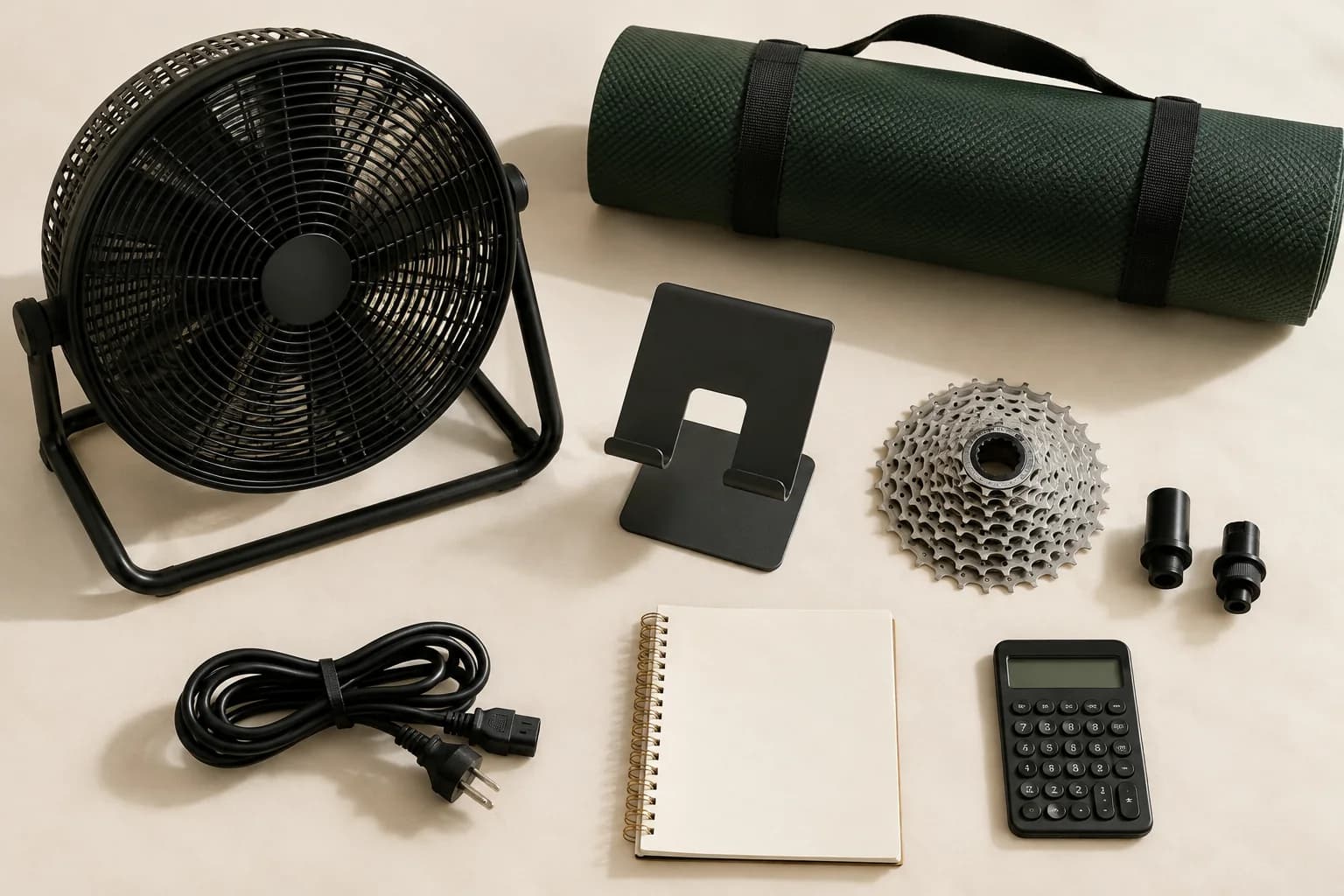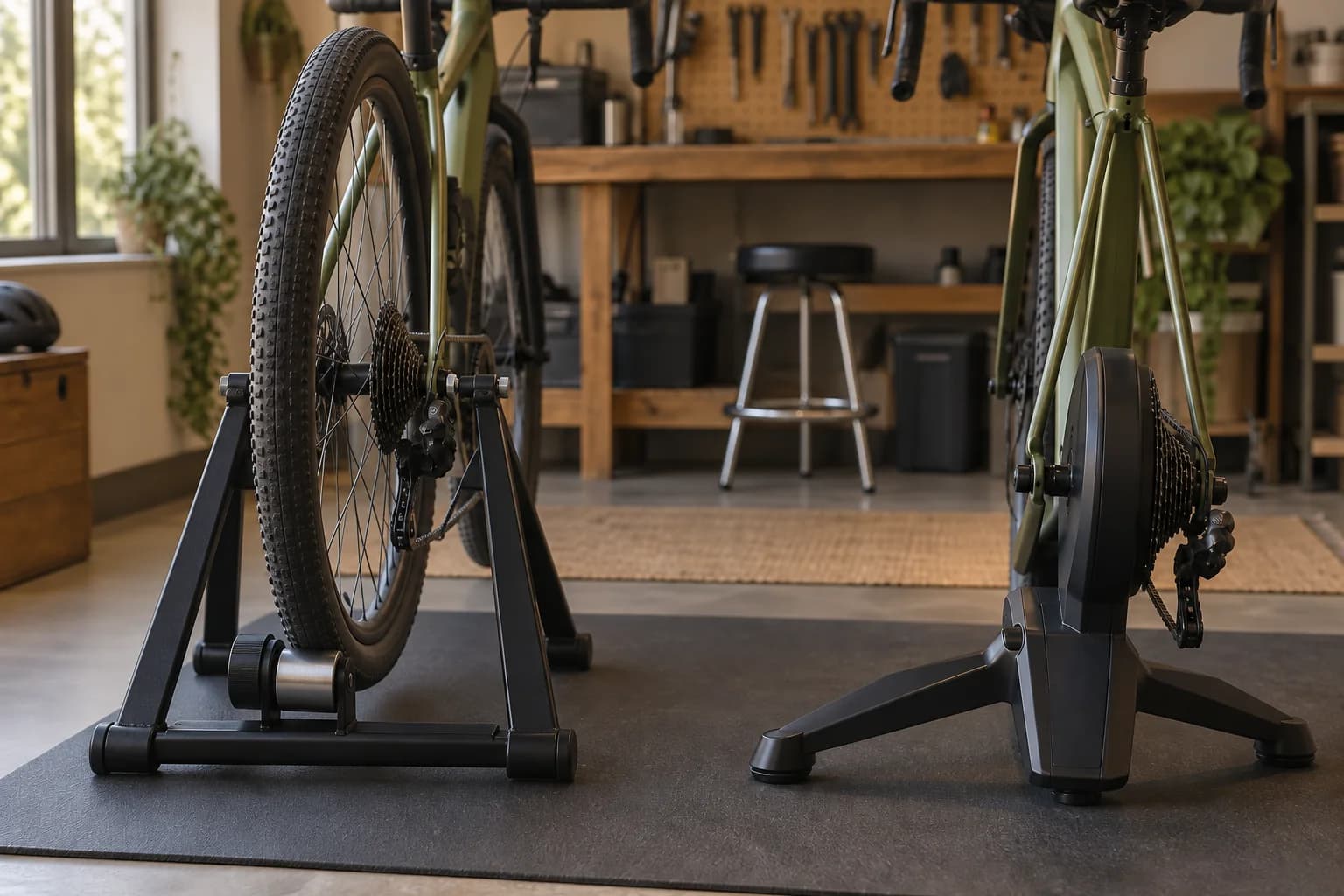
A trainer fits your setup only when the bike frame and axle, drivetrain, intended app functions and required parts all work together. Check the exact bike and trainer generation. A matching axle size or a Bluetooth logo alone is not enough.
1. Identify the exact bike and trainer
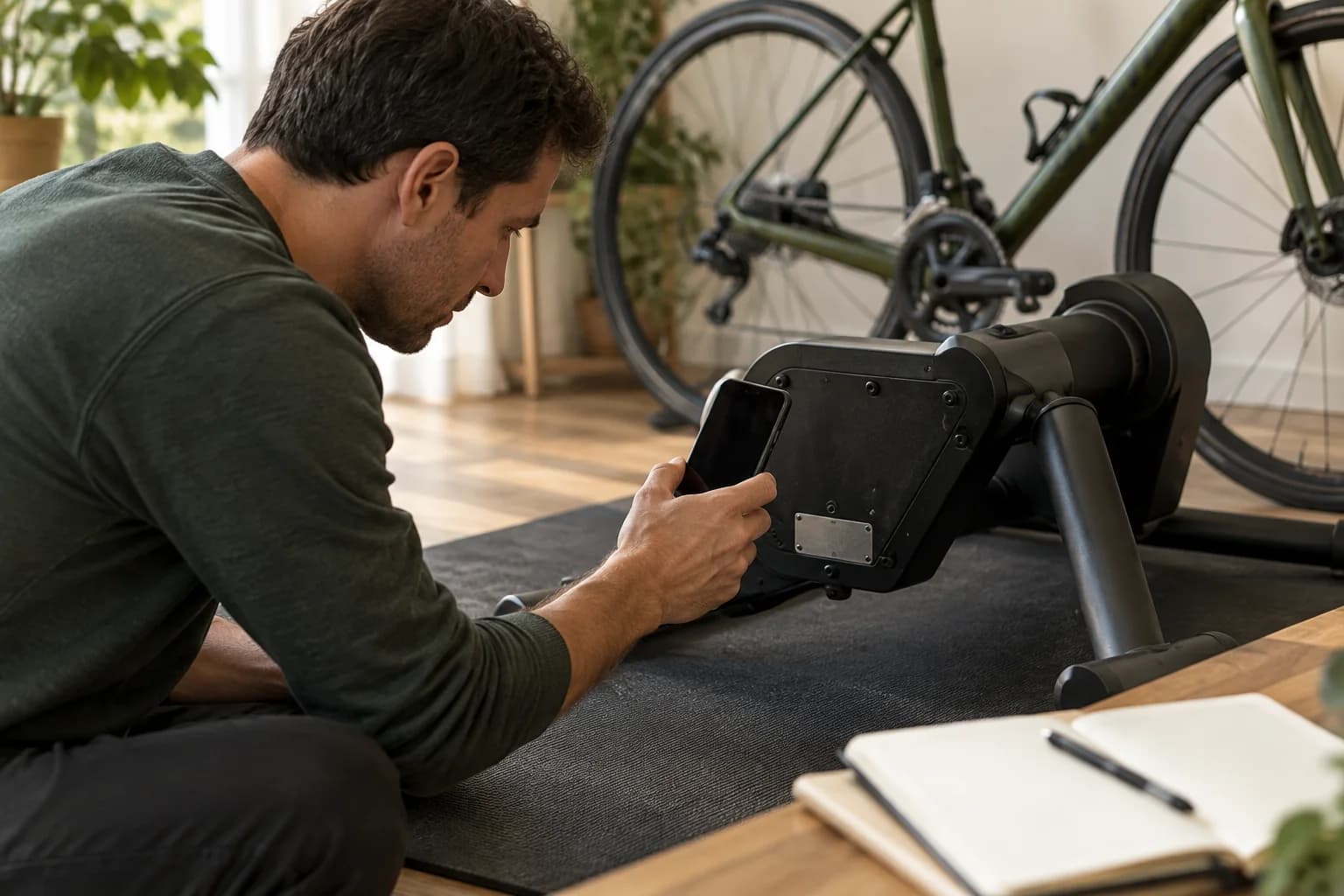
Record model names and model years. Compatibility can change between generations even when products share a similar name. Use the manufacturer's documentation for the precise version you are considering.
Start a short equipment record before browsing adapters. Use the bike manufacturer’s specification sheet for your model and year, then compare it with the parts currently fitted. A used bike or an upgraded drivetrain may no longer match its original specification.
Photograph model markings on the rear derailleur and cassette, and identify the trainer generation from its label. Keep serial numbers for private support conversations rather than posting them publicly. If a component is unfamiliar, a bike shop can help identify it.
This checklist helps you collect evidence for a purchase. It does not certify a combination or replace the installation manual. Manufacturer examples below illustrate the checks; they are not universal fit rules for other trainers.
- Bike identity
- Brand, exact model, model year and any changed components.
- Rear mounting
- Axle type, rear hub spacing and relevant wheel or tire size.
- Drivetrain
- Rear derailleur model, cassette model, number of sprockets and smallest/largest tooth counts.
- Trainer identity
- Exact model, generation and the specific cassette or cog package offered.
2. Check physical fit
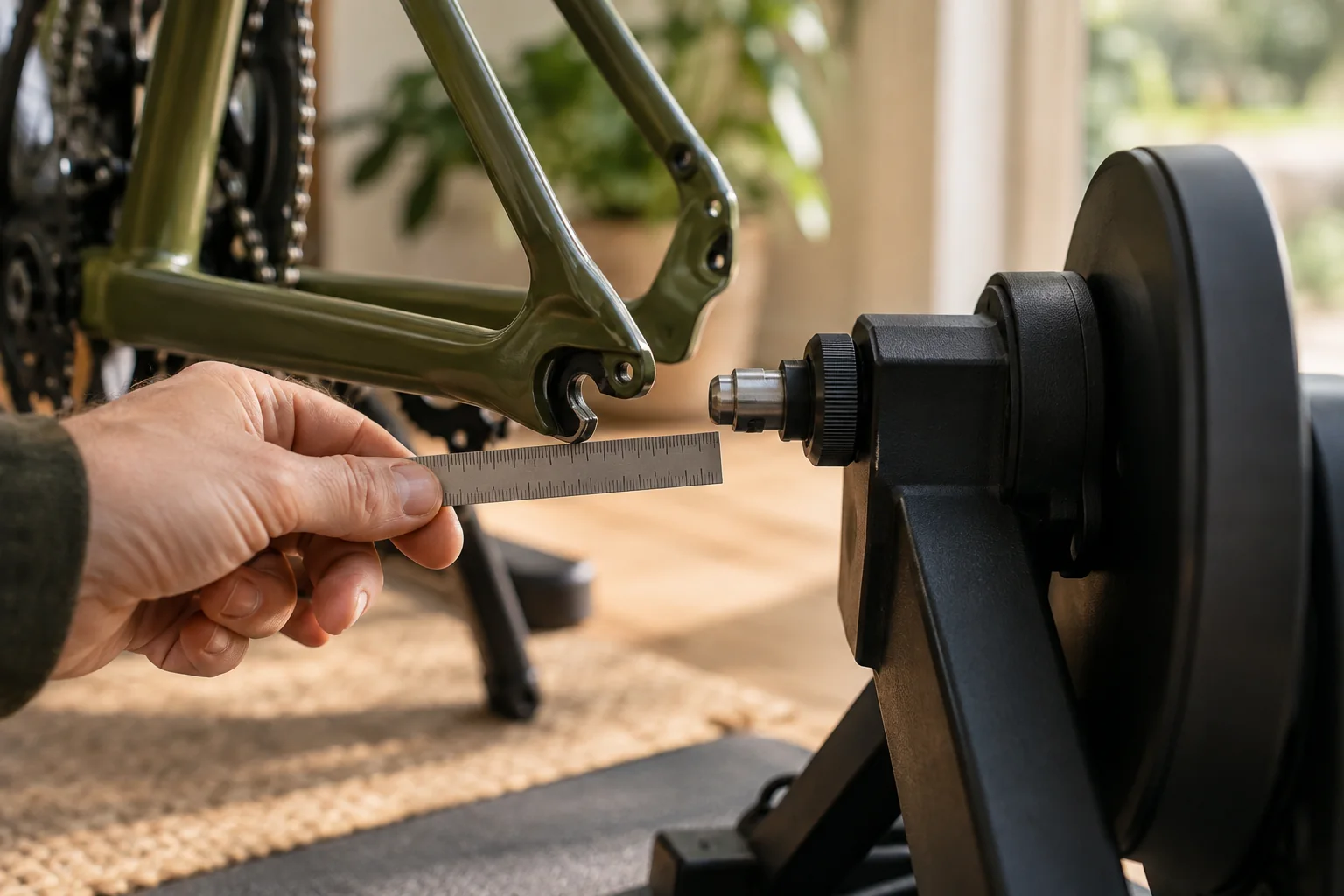
Check axle type, rear spacing, wheel size where relevant, and frame clearance. Read the manufacturer's exclusions as well as its supported sizes. An adapter does not guarantee that the frame itself is supported.
For a wheel-on trainer, check the supported wheel and tire sizes as well as the axle mounting hardware. For direct drive, check the rear mounting standard and the frame’s clearance around the trainer. Keep technical dimensions in millimeters so they match the manufacturer’s documentation.
For example, Wahoo lists 130/135 mm quick-release and 12×142/12×148 mm thru-axle mounting standards for CORE, with specific adapters. It also lists incompatible bikes and conditional fits. These dimensions are an initial filter, not a guarantee that every matching frame will fit.
Some CORE 1 units require updated adapters for particular frames; Wahoo distinguishes these from CORE 2. This matters when buying used equipment. Check the actual adapters supplied, not just a seller’s statement that the trainer supports thru-axle bikes.
Wahoo recommends a retailer fit check when possible and discourages modifying hardware to force a fit. If documentation excludes your frame, or the correct mounting arrangement remains uncertain, resolve that with the manufacturer before ordering.
- Record the result
- Supported standard, correct adapter set and any model-year conditions. Treat a missing answer as unresolved.
3. Check the drivetrain
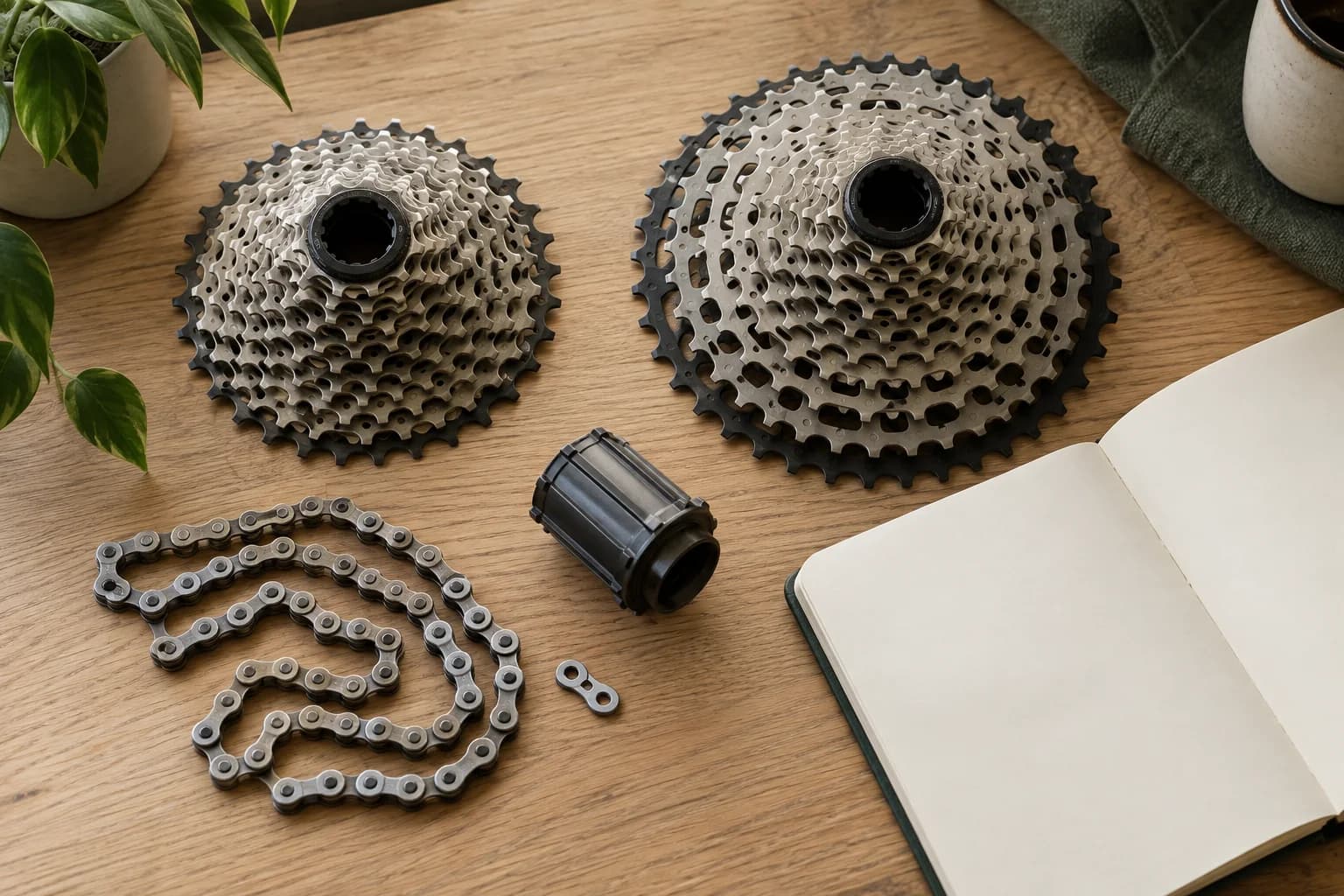
For direct drive, check the cassette and freehub requirements against your bike. For alternative drivetrain systems, check the supported apps and any shifting requirements. Verify each item against current manufacturer guidance.
On a cassette-based direct-drive trainer, the chain runs over the trainer’s cassette instead of the one on your rear wheel. The freehub is the body that supports that cassette. Check the cassette and freehub together rather than ordering either part in isolation.
Wahoo’s drivetrain guide considers sprocket count, tooth range, drivetrain system and freehub compatibility. Two cassettes described as “12-speed” are not automatically interchangeable. The guide also identifies cases requiring another cassette, a spacer or a different freehub.
If the package includes a single cog for virtual shifting, check both mechanical fit and software support. Wahoo distinguishes the ability to install a Zwift Cog from support for Zwift virtual shifting. A physically fitted part does not establish that the intended shifting feature will work.
If your bicycle uses a belt drive, internal gear hub or another less common arrangement, look for explicit support rather than adapting a checklist written for a derailleur bike. Send the exact component details to support if the documentation does not settle the question.
- Record the result
- Supported drivetrain arrangement, exact parts required, and whether fitting or adjustment needs help from a bike shop.
4. Check app and device support
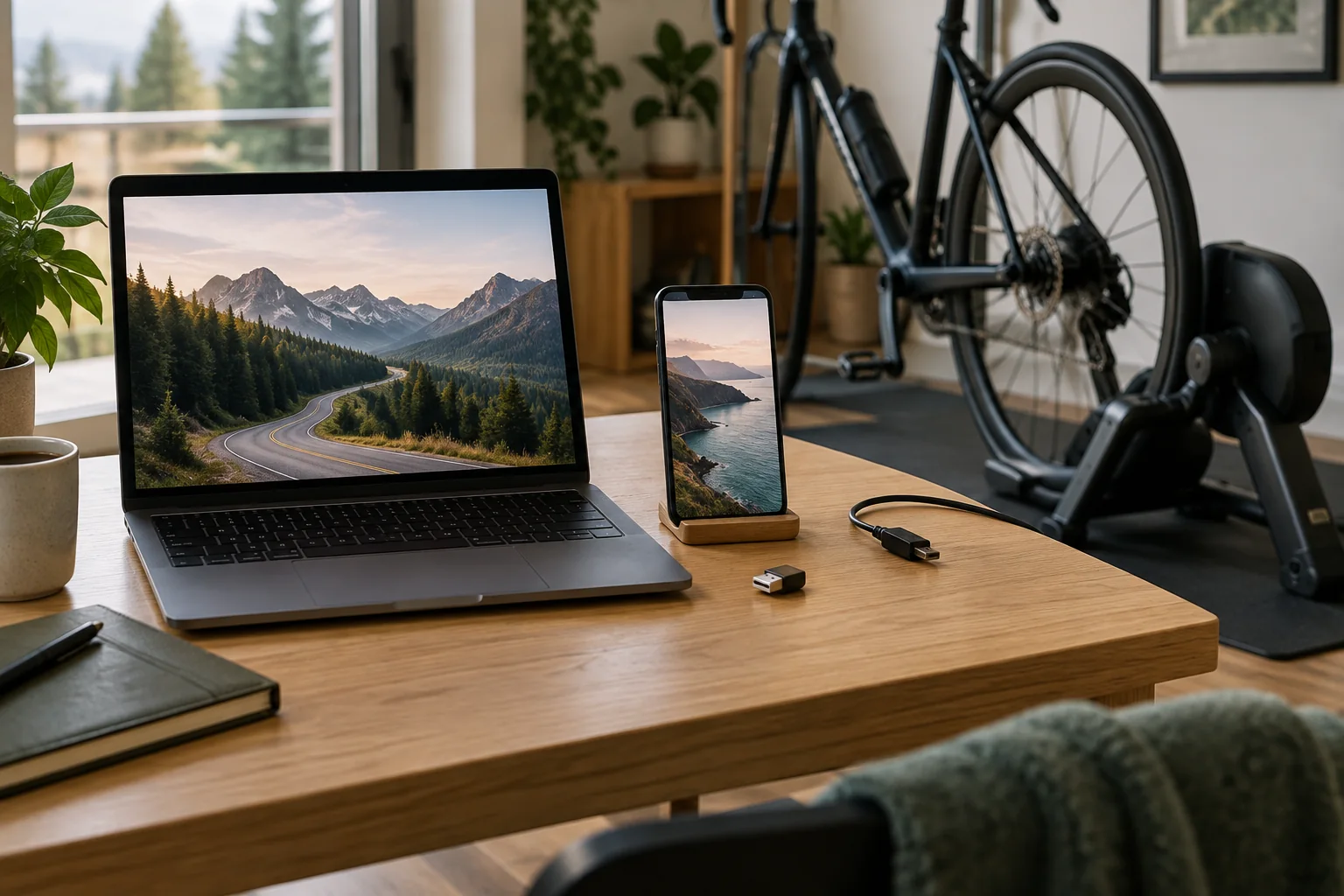
Confirm that your app supports the trainer and your phone, computer or other device. Check the supported connection method and any additional receiver required. Power reporting and automatic resistance control are different capabilities.
Write down the experience you expect: seeing power or speed, having resistance change with a virtual hill, or using virtual shifting. These are different functions. Confirm each required function for your trainer, app and connection method.
Zwift maintains separate guidance for cycling hardware and the device running the game. A trainer connection does not establish that an older laptop or tablet meets the software requirements. Check the device model and operating system before buying a subscription or display.
Bluetooth and ANT+ describe connection technologies. Verify which connection your app and display device can use with the trainer, whether extra receiver hardware is needed, and any firmware requirements. Keep model-specific instructions handy during pairing.
If you want several apps, repeat this check for each one. Record the features you actually need rather than assuming that basic pairing means every function will carry across.
- Record the result
- App, display device, supported connection, required updates and confirmation of each intended feature.
5. Check what is in the box
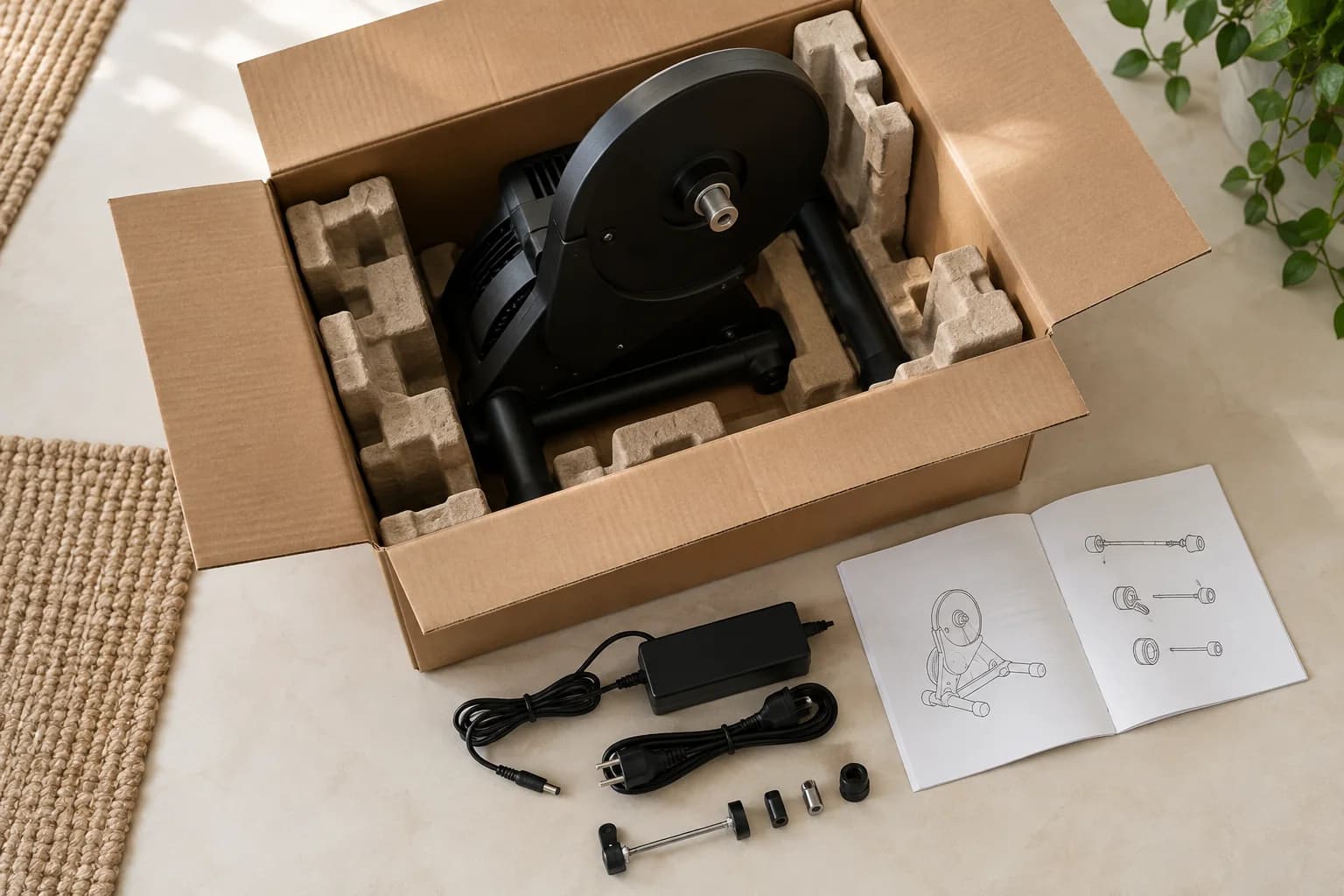
List every required adapter, cassette and cable. Compare that list with the package contents. If a detail remains uncertain, get confirmation from the trainer or bike manufacturer before ordering.
Make a required-versus-included list for the exact offer. Check mounting adapters, axle hardware, cassette or cog, spacers, power supply and anything else specified by the manual. Used equipment may be missing parts that came with it originally.
As an example, Wahoo’s CORE 2 setup page lists mounting adapters, a quick-release skewer and power equipment; some supplied parts depend on the cassette package. Compare the listing you intend to buy with the applicable instructions rather than assuming every bundle is identical.
For a US purchase, add missing components, any fitting help, shipping and applicable sales tax to the total in USD. Keep optional accessories and recurring app charges separate. Confirm the seller’s return terms before buying a combination that still needs a fit check.
Mark each of the five checks as confirmed, needs a specified part, or unresolved. If anything remains unresolved, send the bike model and year, component details and exact trainer package to the manufacturer or a knowledgeable bike shop. Keep their answer with your equipment record.
- Confirmed
- The documentation covers your exact combination and the required parts are accounted for.
- Needs a part
- Identify the exact supported part and include it in the budget before purchase.
- Unresolved
- Get an answer before ordering; an absent exclusion is not confirmation of fit.
Check the original guidance

These are starting points for manufacturer documentation. Always check your exact model before buying.
Wahoo: CORE and CORE 2 frame compatibility ↗Wahoo: drivetrain compatibility and exclusions ↗Wahoo: CORE 2 setup and package contents ↗Zwift: supported devices and system requirements ↗Zwift: cycling hardware and connection guidance ↗Turn the research into a checklist.